Innovative features
LAYULKALL command
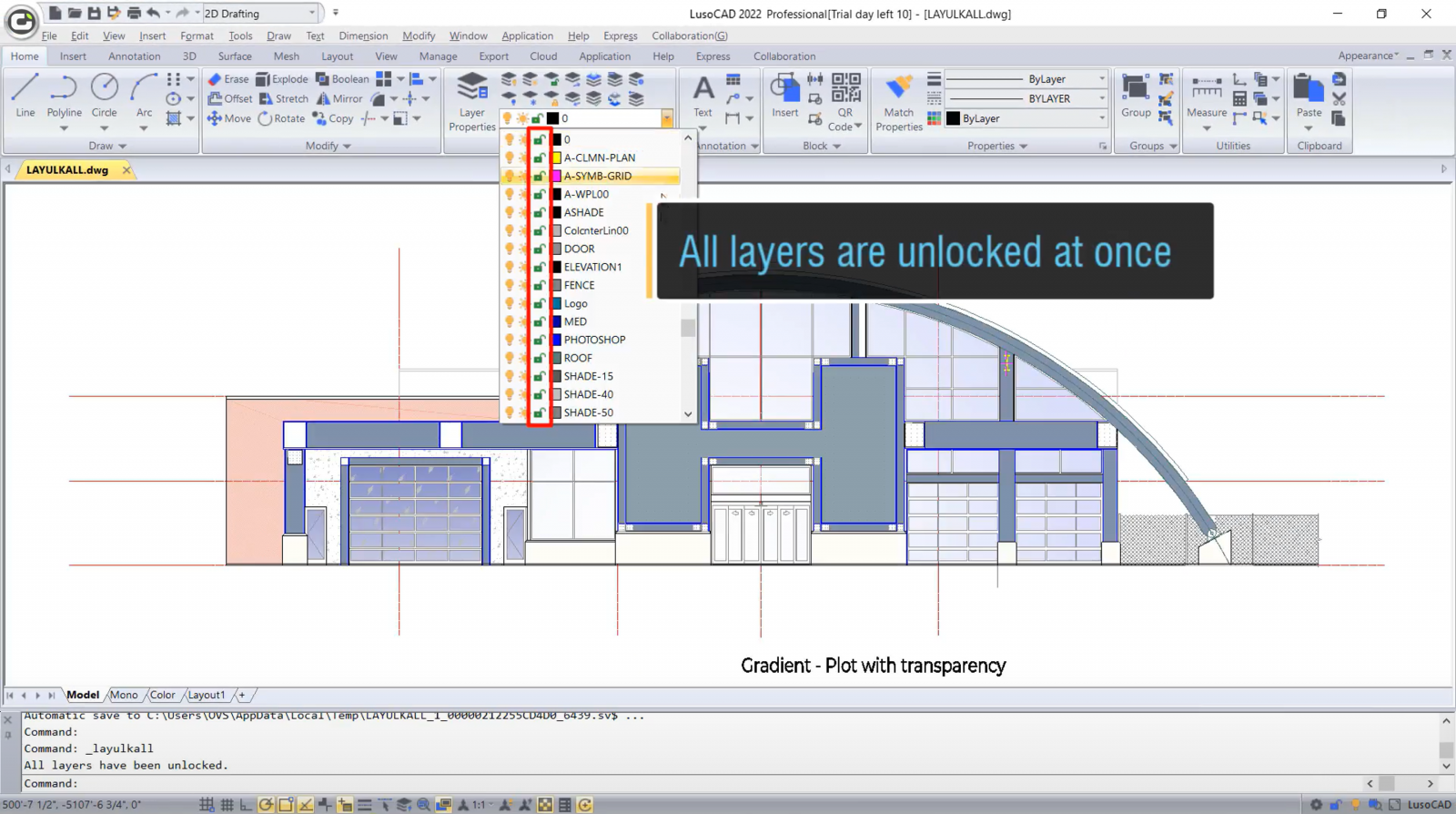
With LusoCAD 2022 you can use the LAYULKALL command to unlock all the locked layers immediately, instead of unlocking them one by one.
CHANGEBASE command
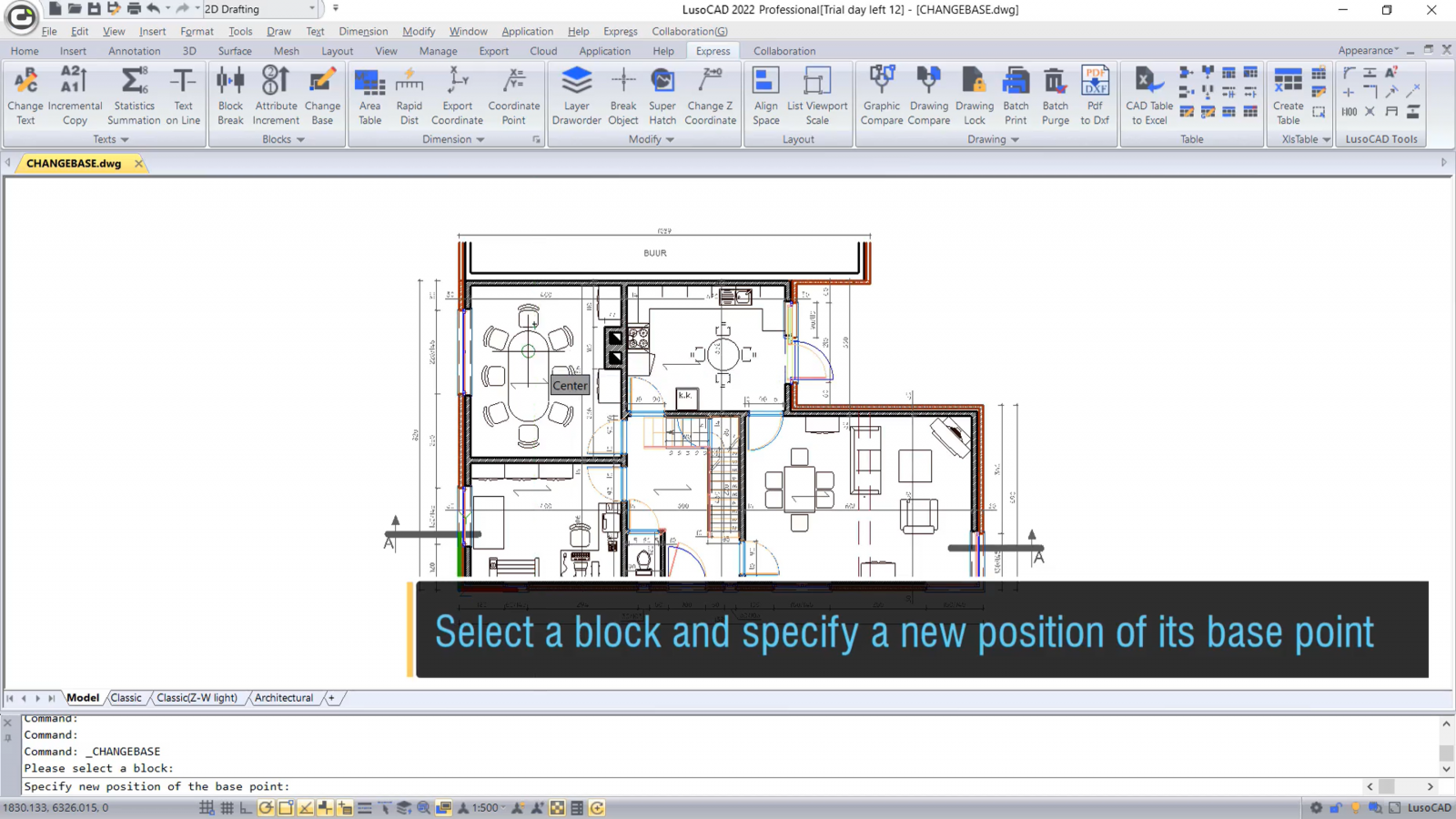
In LusoCAD 2022, the CHANGEBASE command allows you to change the position of a block’s base point. You can move the base point and keep the objects in their original position, or move the objects and keep the base point in its original position.
LAYDRAWORDER command
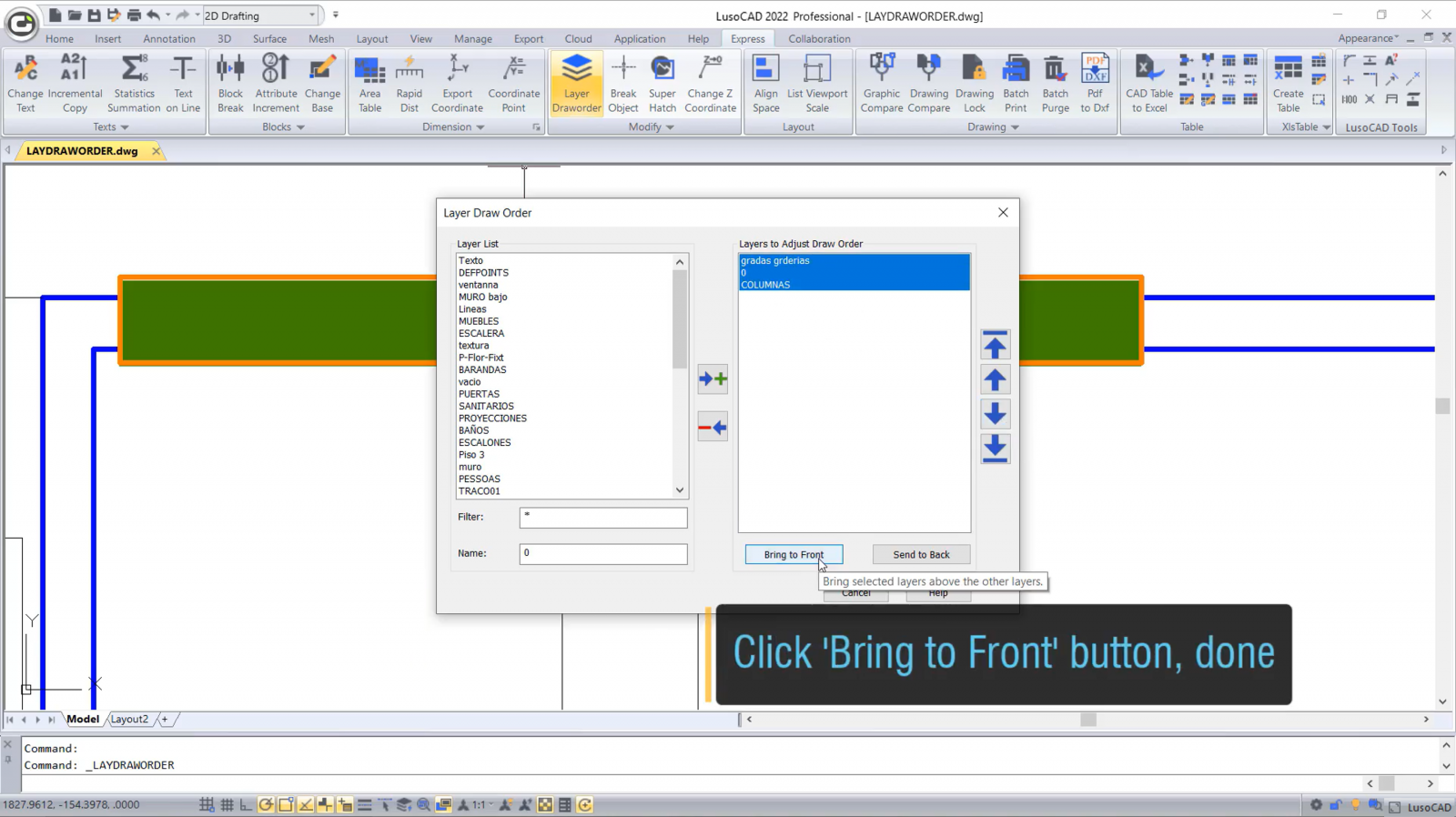
The LAYDRAWORDER feature allows you to rearrange layers. You can select one or more layers and bring them forwards or send them backwards.
DIMTOFFSET
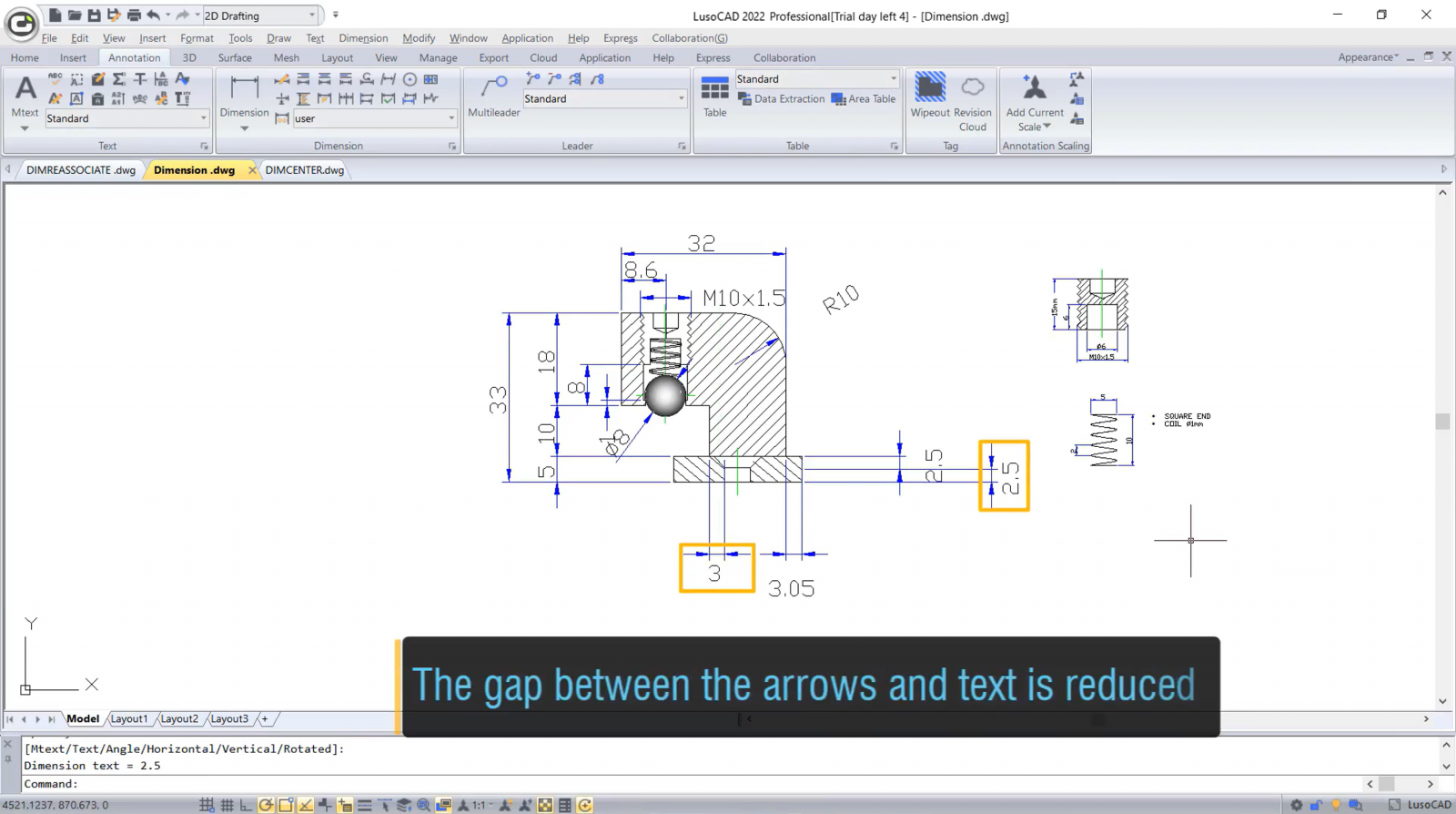
In LusoCAD 2022, you can use two values of the DIMTOFFSET system variable to define two types of spacing styles between the arrows and the text, one is the same as in AutoCAD, and the other reduces the spacing.
New features
AutoFIll
The Autofill feature allows you to automatically replicate data by dragging the replication point, as well as automatically copying the selected content with the same process.

Lisp Debugger
In LusoCAD 2022 SP1, you can now run the VLISP or VLIDE command to start Visual Studio, where you can open, edit and debug Lisp programmes.

LINESMOOTHING
The new LINESMOOTHING system variable improves the display quality of irregular 2D objects. The contours of lines and curved lines are displayed more smoothly when the value of the variable is set to 1.

ACET interfaces
There are 351 ACET (AutoCAD Express Tools) interfaces supported by LusoCAD 2022. More LusoCAD Express Tools and Plug-in functionalities developed with these interfaces can now be loaded and run.

FASTSEL command
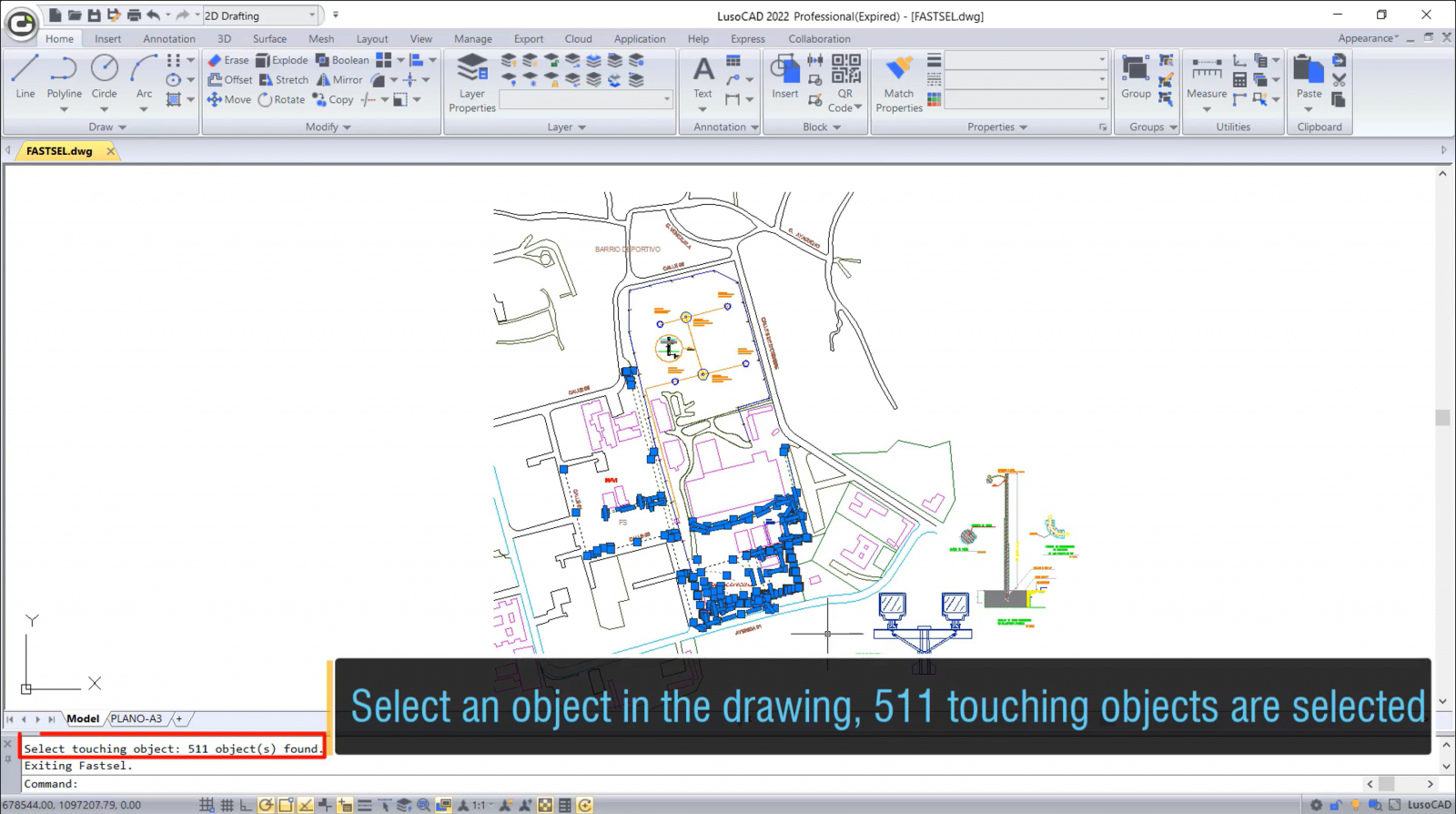
In LusoCAD 2022, the FASTSEL quick selection command allows you to select all objects that touch the selected object, including lines, polylines, circles, arcs, attribute definitions, text, Mtext, ellipses and images.
Single-Document Mode
In LusoCAD2022, you can activate single document mode using the SDI system variable. In this mode, you can only open one drawing for each instance of the programme.
Improved features
Hidden Shade Plot
In LusoCAD 2022 SP1, the DISPSILH system variable controls the display of contour edges of solid and surface 3D objects in Wireframe or 2D Wireframe views when using hidden shadow plotting. The speed of this functionality has also been substantially improved.

DISPSILH = 0
.png)
DISPSILH = 1
LAYLOCKFADECTL
Improved the result of the amount of Fade for objects in blocked Layers, which improves compatibility with other CAD programmes.
.png)
Performance
In LusoCAD 2022 SP1, the speed of opening and saving drawings has increased by around 10% and 16%, especially large drawings with many empty groups.

Quick Properties
In LusoCAD 2022 SP1, the customised properties of dynamic blocks can be displayed in the Quick Properties palette, and the values can also be modified in this same window.

Plot to PDF
When plotting to PDF with any options in LusoCAD 2022, the TTF (Truetype fonts) text is output as searchable and editable text with a plain border display. Hyperlinks are retained and remain clickable. Third-party tools can easily read all the information in the PDF, and it is possible to search, copy text and add electronic signatures, etc.
Plot with transparency
In LusoCAD 2022, transparent plotting is much clearer and more precise. Raster images can be plotted transparently, line thickness and type are shown correctly, and annotation objects are displayed accurately and in high quality after transparent plotting.
Raster image plot
Larger raster images in different sizes and formats can now be previewed and plotted smoothly. The speed of plotting 1-Bit and 32-Bit colour raster images has increased exponentially. Visualisation after plotting rotated or cropped raster images is more accurate and the size of plotted PDFs has been drastically reduced.

Hidden Shade Plot
In LusoCAD 2022, with the “legacy hidden” option, objects are plotted as vectors, making the display of plotted files much better.

Raster images
In LusoCAD 2022, more formats and larger raster images are supported. Modifying raster images is also more precise.
.png)
Multi-Line – Trim/Extend
In LusoCAD 2022, Multi-line objects can easily be cut (or extended) by various objects such as lines, polylines, circles, arcs, ellipses, splines, etc.
.png)
Groups
In LusoCAD2022, most of the group commands are organised in a Groups Panel in the ribbonThis makes it easier to create/edit groups, ungroup and control the display of groups by clicking directly on the group icons. ribbon.
.png)
Graphics
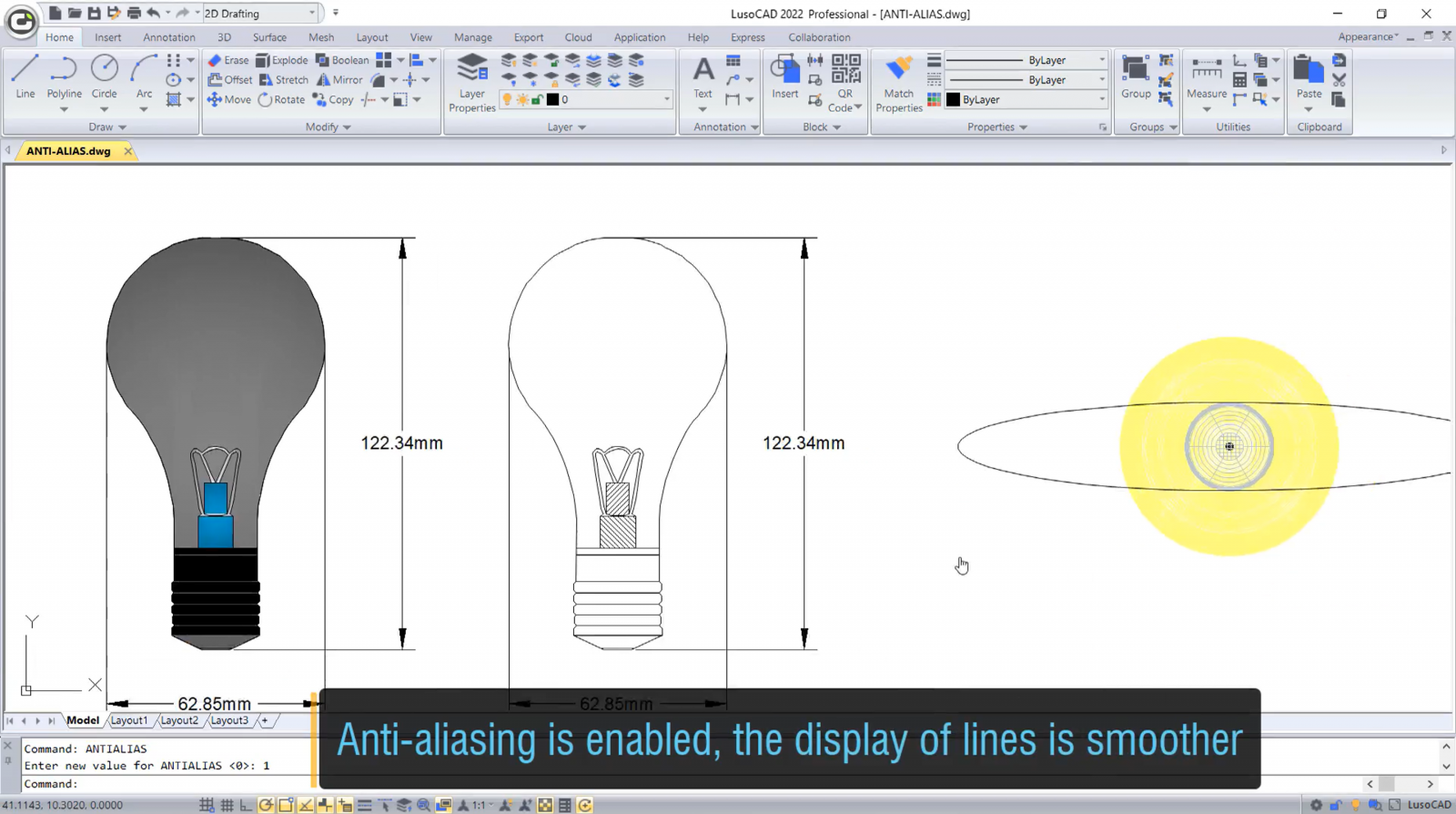
In LusoCAD 2022, the display quality of line objects can be improved through a variable anti-aliasing system, and drawings are automatically regenerated when zoomed or panned.
Optimised FIND command
The operating speed of the FIND command in a complex design has increased 5 to 10 times in LusoCAD 2022

DIMREASSOCIATE command
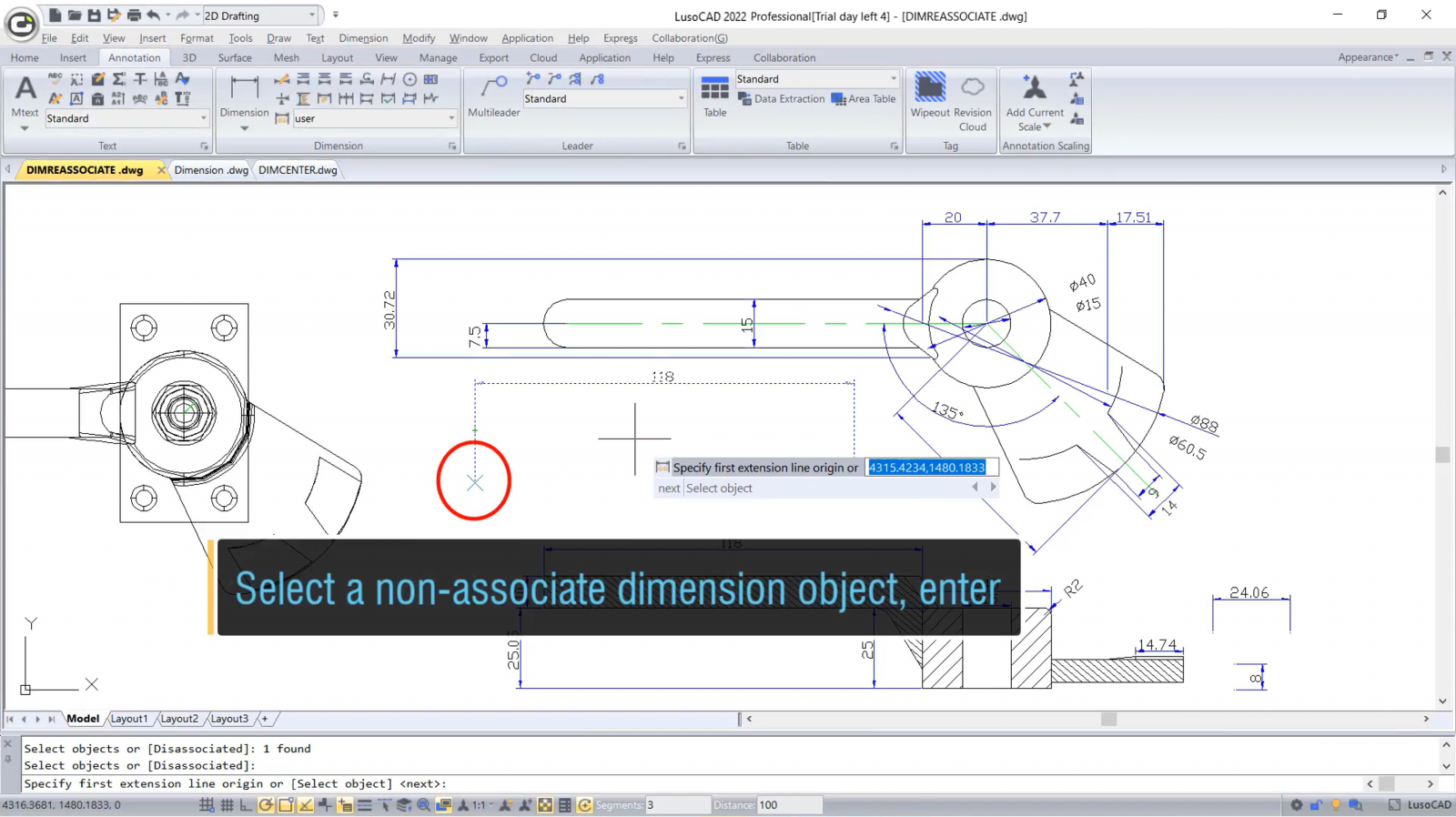
The DIMREASSOCIATE command allows you to associate or reassociate selected dimensions with objects or object points.
DIMREGEN command
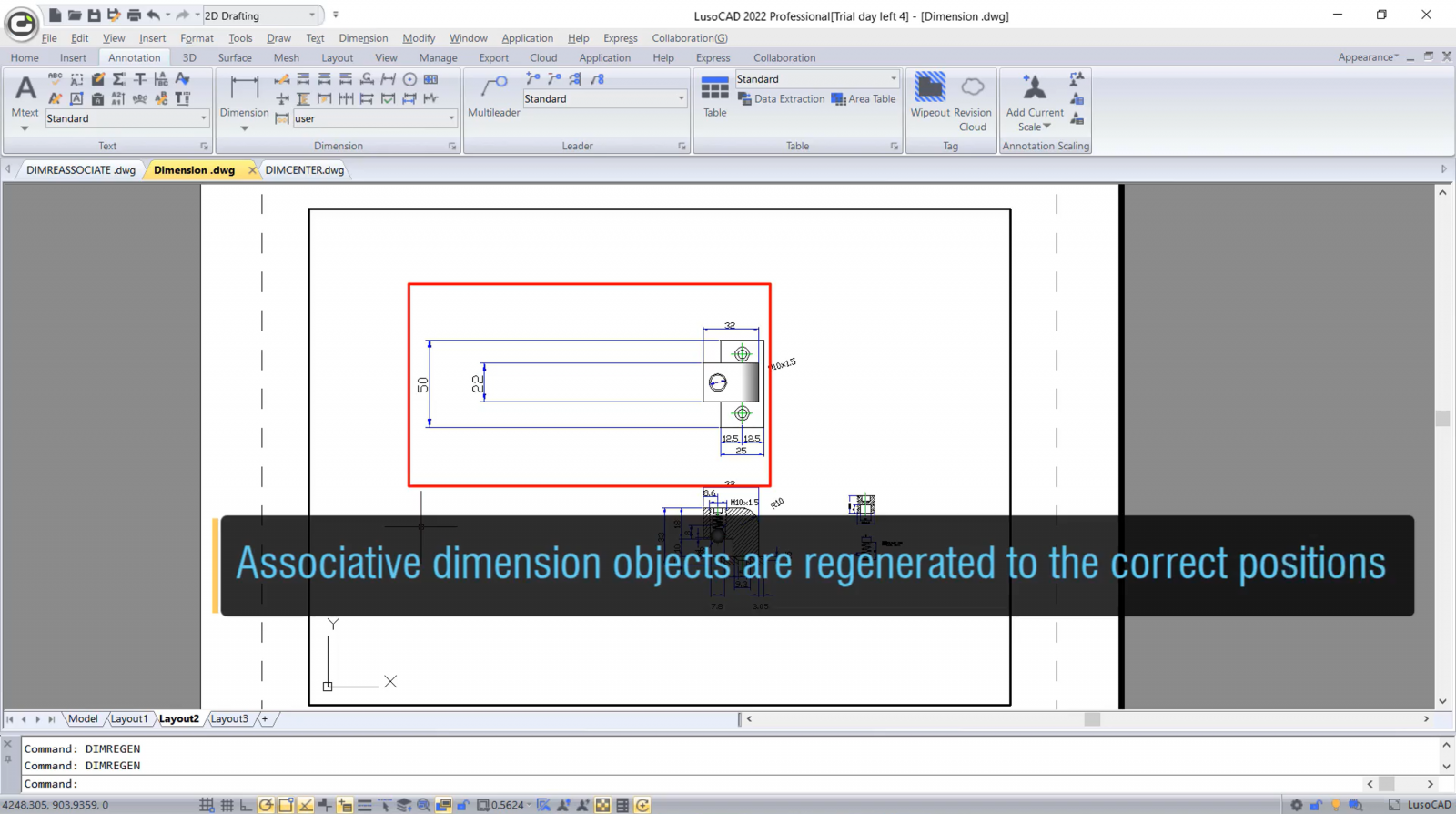
The DIMREGEN command allows you to update the positions of all associative dimensions in Model or Layouts space.
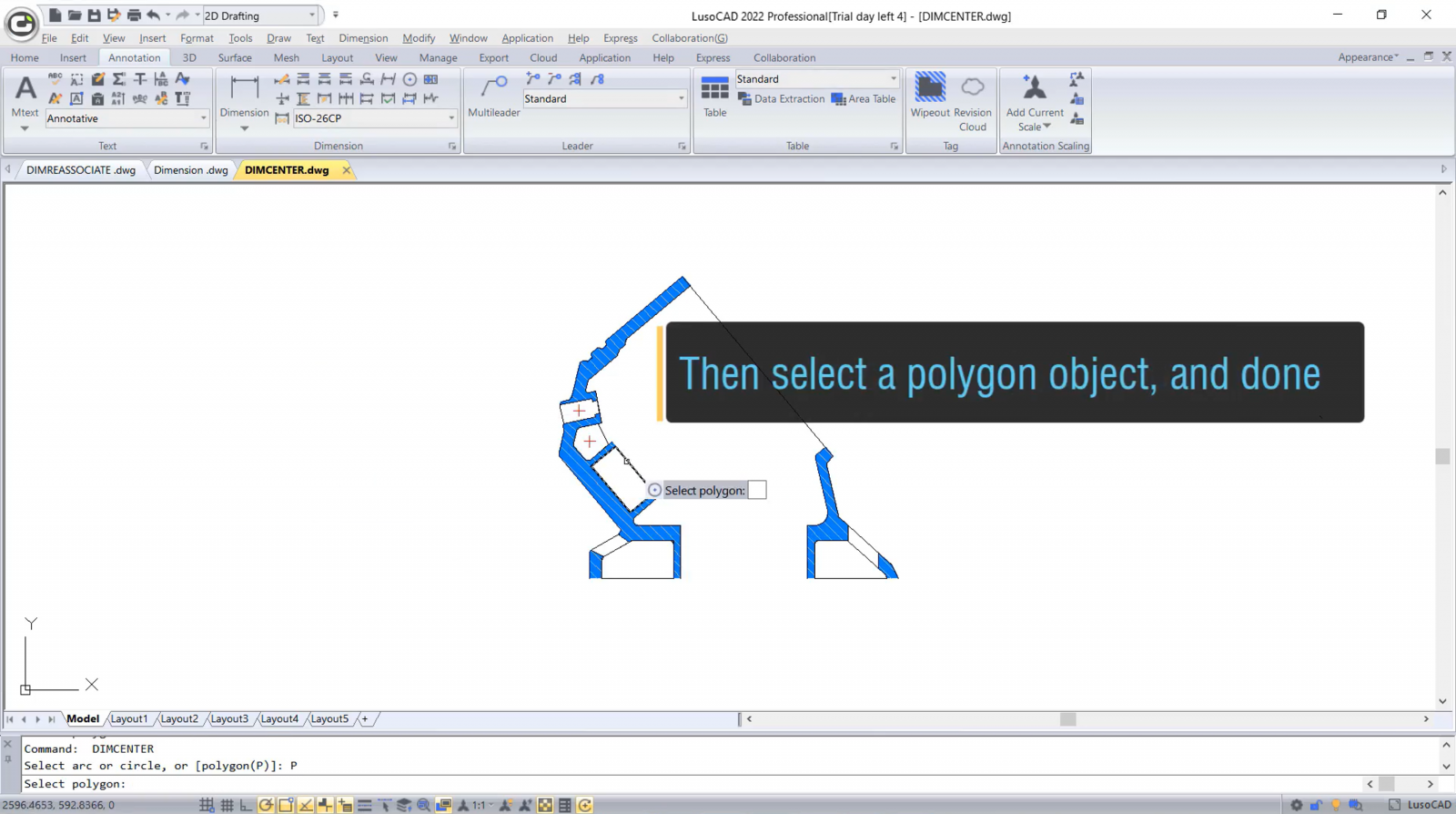
New option in the DIMCENTER command
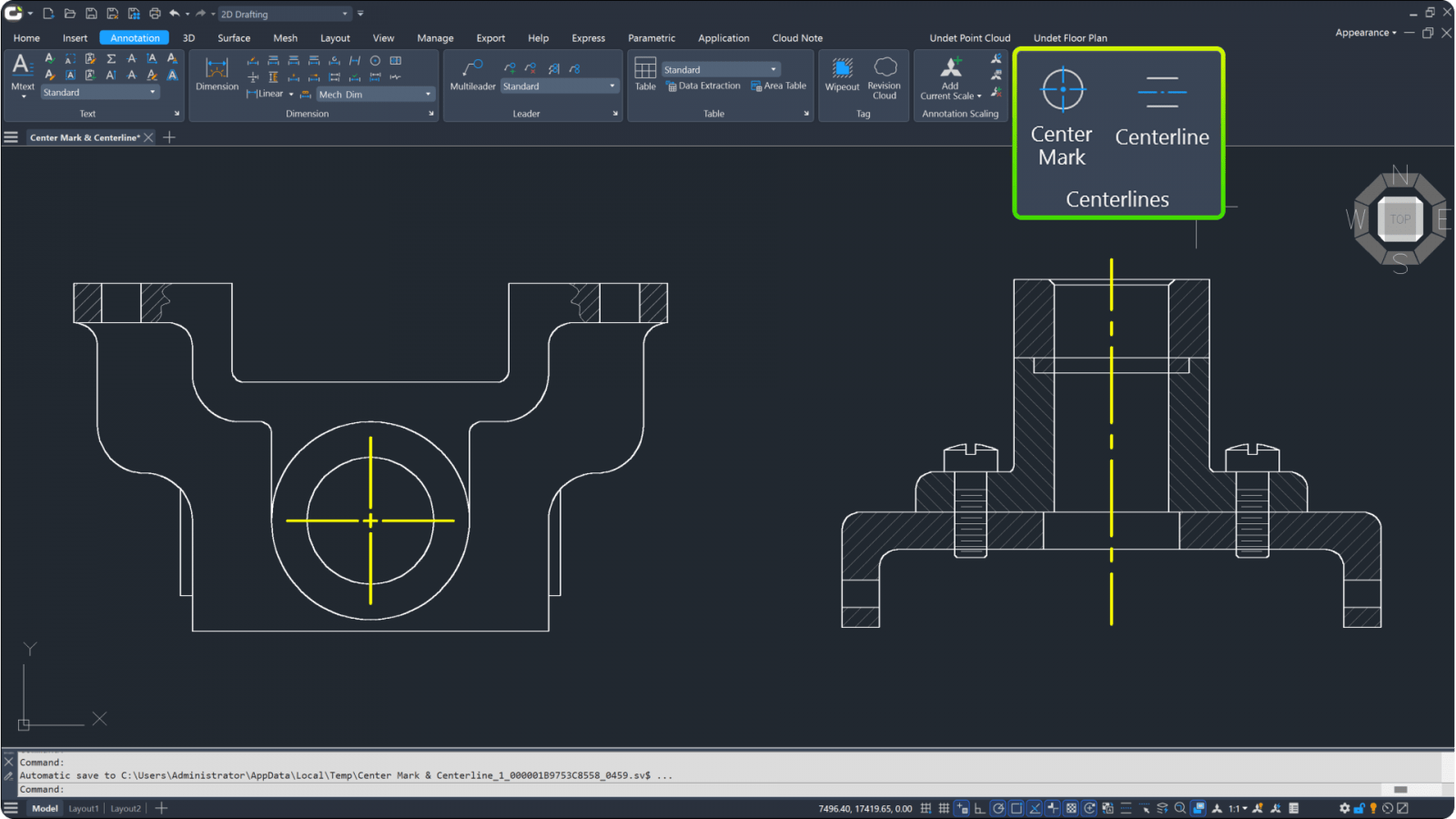
A new Polygon (P) option has been added to the DIMCENTER command, allowing you to easily mark the centre of polygons.
New Stretch Dimension Group option
The “Stretch Dimension Group” option in the dynamic grip menu allows you to adjust all the dimensions that share grips at once.

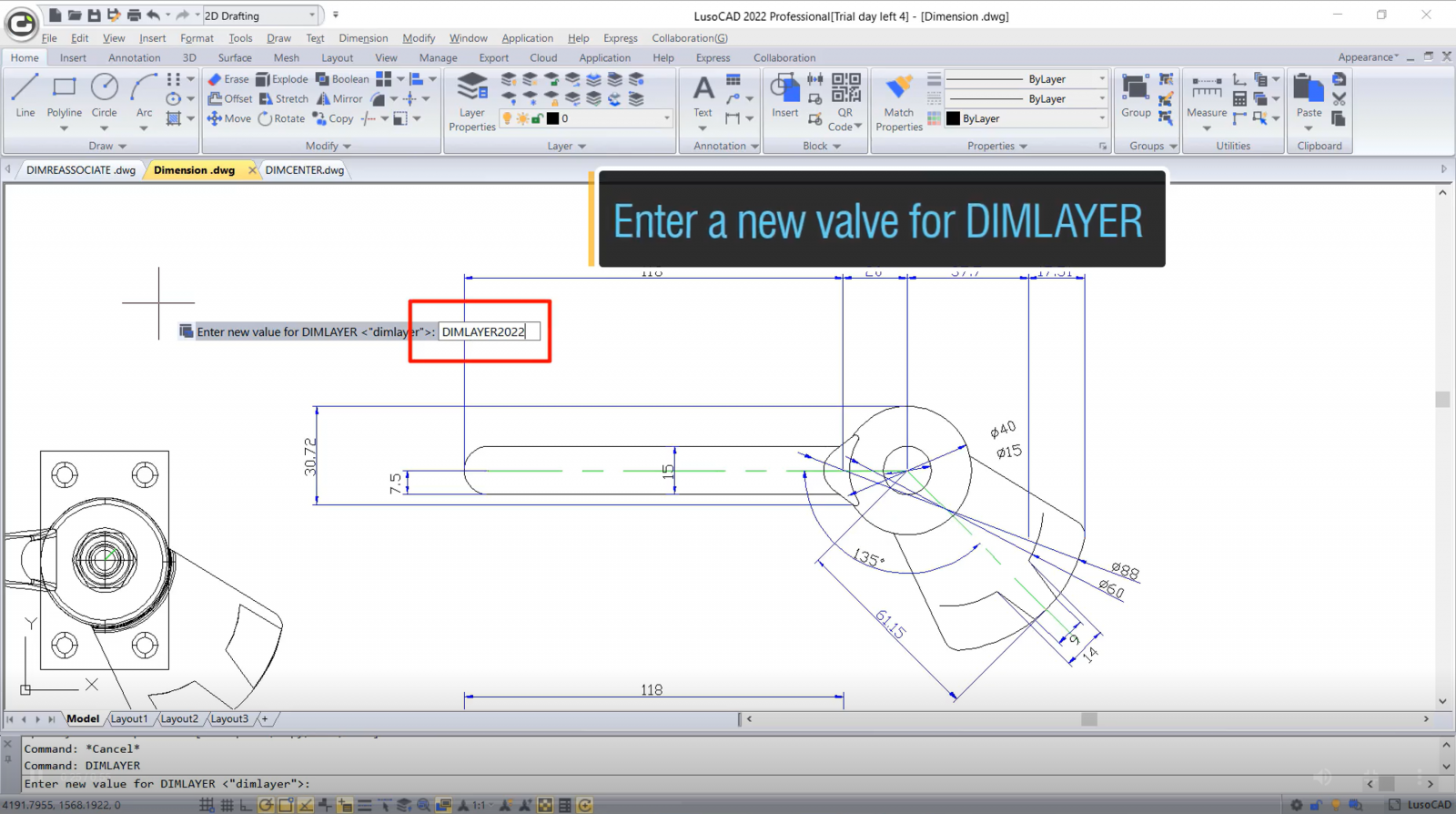
DIMLAYER
The DIMLAYER system variable specifies a default layer for dimensions. This way, the dimensions will automatically be created on that layer instead of on the current layer.
22 Jan | 2021


.png)
.png)
.png)
.png)
.png)
.png)
.png)
.png)
.png)
.png)


.png)


.png)
.png)
